
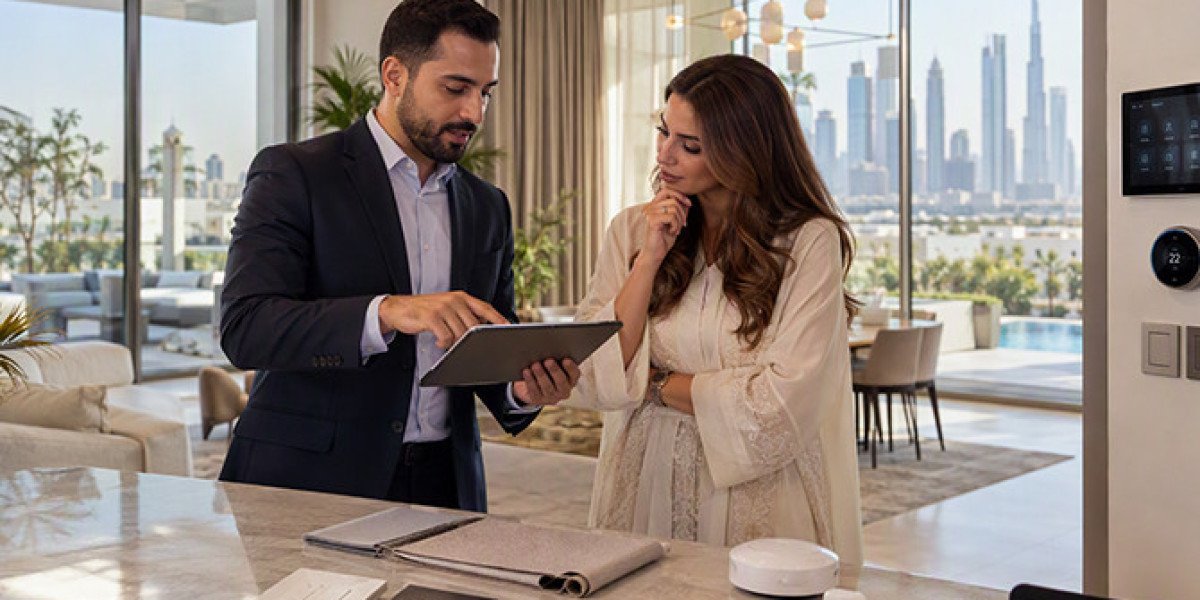
When planning AV Integration in Dubai, large offices need a system that supports clear communication, meetings, presentations, and daily work. Audio-visual (AV) systems can include displays, projectors, speakers, microphones, video conferencing equipment, and control panels. The design depends on the office layout, number of users, room purpose, and technical needs. Understanding these factors helps businesses plan a system that works well and is easier to manage.
1. Office Size and Room Layout
The size and layout of an office are important when planning an AV system. A small meeting room may need one display, a microphone, and a few speakers. A large conference room may require several displays, multiple microphones, cameras, and a central control system.
The shape of the room also affects equipment placement. Long rooms may need additional speakers so people at the back can hear clearly. Large presentation areas may need bigger displays or projectors so everyone can see the content.
Before choosing equipment, it is useful to check room dimensions, seating arrangements, ceiling height, and the location of doors and windows. These details help determine where each device should be installed.
2. Audio Quality and Room Acoustics
Clear sound is necessary for meetings, presentations, and video calls. However, large offices can have sound problems caused by hard floors, glass walls, high ceilings, and open spaces. These surfaces may reflect sound and create echoes.
The number of people in a room can also affect sound quality. People sitting far from a speaker may struggle to hear, especially during online meetings.
The design should consider speaker placement, microphone type, room shape, and background noise. Acoustic panels or other sound-control materials may help reduce echoes in some spaces.
Microphones should be placed where they can capture voices clearly without picking up too much noise. Testing the room before final installation can help identify problems and guide equipment placement.
3. Display Size and Viewing Distance
Displays and projectors should be selected according to the room size and how people will use them. A screen that looks clear in a small meeting room may be difficult to read from the back of a large conference hall.
Viewing distance, screen resolution, brightness, and the type of content all affect the choice. For example, rooms used for spreadsheets and detailed presentations may need a display that makes small text easy to read.
Lighting is another important factor. Bright windows and strong ceiling lights can cause reflections or make images harder to see. Screen position, window coverings, and suitable display brightness can help address these problems.
The goal is to make presentations easy to view from different seating positions without placing equipment where it blocks movement or sightlines.
4. Video Conferencing Requirements
Many large offices use video conferencing to connect employees, clients, and teams in different locations. The AV design should support the meeting platforms and communication tools used by the business.
Camera position is important because remote participants need a clear view of the people in the room. Larger rooms may require more than one camera to cover different seating areas.
Microphones and speakers should also work together properly. Poor placement can cause low sound levels, background noise, or echo during calls.
The design should include suitable network connections and compatible equipment. It is also helpful to consider how employees will start meetings, share screens, and switch between different devices.
5. Network and Connectivity
Modern AV systems often depend on reliable network connections. Displays, cameras, control panels, and other devices may use network cables or wireless connections to exchange information.
A large office may have many devices operating at the same time. The network should be planned to support the expected traffic without affecting other business activities.
Designers should review the available network infrastructure, cable routes, connection points, and power supply. Some devices may need dedicated network ports or specific connection types.
Wireless connections can be useful in certain spaces, but they may not suit every device or task. The choice between wired and wireless connections depends on performance needs, installation conditions, and the equipment being used.
6. Ease of Use and System Control
An AV system should be simple for employees to operate. If users need to follow many steps just to start a meeting, they may experience delays or need technical assistance.
A central control panel or touchscreen can bring common functions together. Depending on the design, users may be able to control displays, adjust volume, select input sources, and manage room settings from one place.
The controls should match the room's daily use. A training room may need quick access to presentation sources, while a boardroom may require video conferencing and several display options.
Clear labels, simple instructions, and basic user training can make the system easier to use. The design should also consider the needs of people who use the room only occasionally.
7. Budget, Maintenance, and Future Changes
The project budget affects the equipment, installation work, and system features that can be included. Costs may depend on the number of rooms, equipment specifications, cable routes, mounting requirements, programming, and testing.
However, the initial purchase price is only one part of the planning process. Businesses should also consider maintenance, software updates, repairs, and equipment replacement.
Future needs are worth considering as well. An office may add meeting rooms, increase its staff, or introduce new communication tools. A flexible design can make later changes easier.
Planning enough space for cables, equipment racks, and additional connections may reduce the work needed when the system is expanded. Reviewing these needs early can help avoid unnecessary changes after installation.
When planning AV Integration in Dubai, businesses should assess room layout, sound quality, display requirements, network capacity, meeting tools, ease of use, and long-term maintenance together. Each factor affects how the system will perform in daily office activities. A clear understanding of these requirements helps teams compare design options and choose an AV setup that fits their workspace and practical needs.


