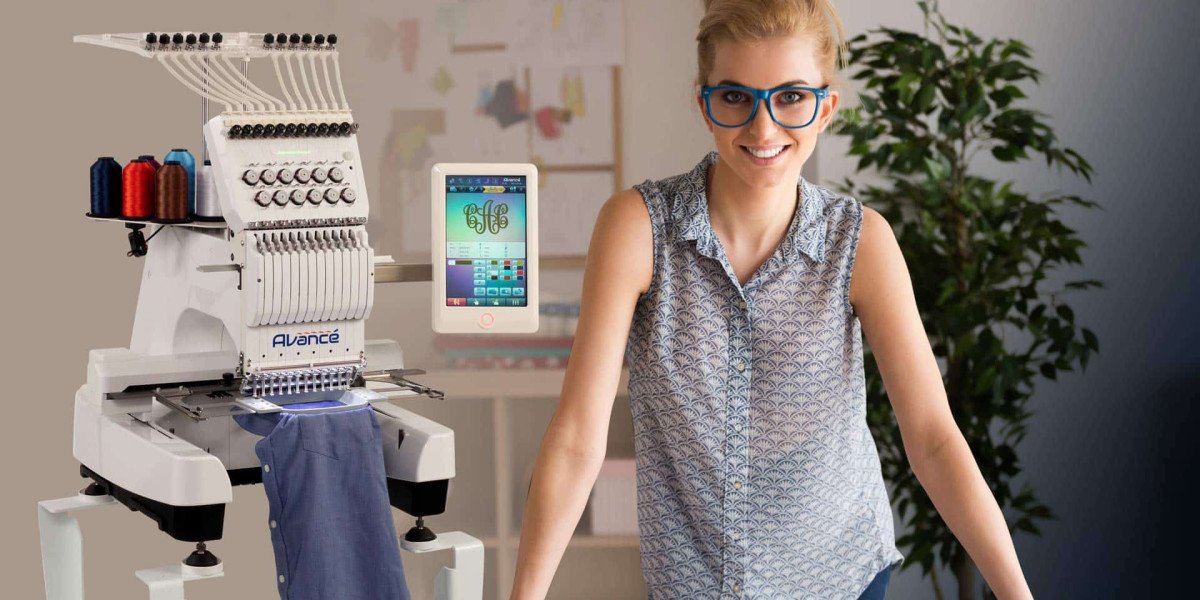
You found a design you love online, but it is in the wrong format. Your friend sent you a PES file, but your machine only reads DST. The clock is ticking, and you just want to stitch. Before you panic or start throwing money at expensive software, take a deep breath. The solution is simpler than you think. There is a whole world of free tools waiting to save the day. Whether you are a hobbyist stitching for fun or a small business owner watching every penny, knowing the best free embroidery file format converters keeps your creativity flowing without draining your wallet.
We tested the top contenders to find out which ones actually work. Some are powerful open-source plugins. Others are lightweight editors that run on old computers. A few offer free trials of premium software so you can test drive pro features. Let us walk through the best options and show you exactly how to use them.
Why You Need File Conversion in the First Place
Embroidery machines are picky eaters. They only digest specific file formats. Brother machines want PES. Janome reads JEF. Tajima and most commercial machines run on DST. Husqvarna Viking and Pfaff use VP3 . If you load the wrong file, your machine either rejects it or stitches garbage.
File conversion solves this problem. It takes a design saved in one format and translates it into another format your machine understands. But here is the catch. A simple format swap preserves the existing stitch data. It does not create new stitches. If you start with a JPG image, you need digitizing, not just conversion. That is a different process . For this guide, we focus on tools that convert existing embroidery files between formats. We also include digitizing tools because sometimes you need both.
Ink/Stitch: The Open Source Powerhouse
If you want professional control without spending a dime, Ink/Stitch is your answer. This free plugin works inside Inkscape, which is a free vector graphics program . Together, they create a digitizing and conversion studio that rivals paid software.
Ink/Stitch supports over 25 embroidery formats, including PES, DST, JEF, EXP, and VP3 . You can import an existing embroidery file, edit the stitches, and export to a different format. The software runs on Windows, Mac, and Linux, so no one gets left out .
The learning curve is real. Inkscape takes time to understand. But the payoff is huge. You get manual control over stitch types, density, underlay, and pull compensation . For hobbyists and small shops who want precision, Ink/Stitch is the gold standard of free tools.
To use it, download Inkscape from the official website. Then install the Ink/Stitch extension following the instructions on their site. Open your embroidery file, make any edits, and export to your target format .
My Editor: Fast and Friendly for Basic Conversions
Sometimes you just need a quick conversion without the steep learning curve. My Editor fits that bill perfectly. This free software lets you view, edit, and convert embroidery files with a clean, simple interface .
You can open designs, resize them, rotate elements, and change colors. The 3D preview shows you exactly how the stitches will look on fabric . When you are ready, export to multiple machine formats including PES, DST, and JEF.
My Editor works best for existing designs that need minor tweaks or format changes. It does not create new designs from scratch, but for conversion duties, it handles the job efficiently. Beginners appreciate the straightforward layout and quick results.
SophieSew: Manual Control for Detail-Oriented Users
SophieSew has been around for years, and while its interface looks a bit vintage, the functionality remains solid. This open-source software gives you manual control over stitch paths, making it ideal for users who want to fine-tune every detail .
You plot stitches manually, creating running stitches, fills, and patterns from scratch. The editing tools let you adjust density and pathing. For conversion, SophieSew supports basic embroidery formats so you can save your work in the right file type.
The catch is that SophieSew is Windows-only. Mac and Linux users need other options. But for PC users who prefer hands-on digitizing, this tool delivers real power at no cost .
Bernina ArtLink: The Brand-Supported Freebie
Bernina offers ArtLink as a free download for all embroiderers, not just Bernina owners. This software focuses on editing and converting existing designs rather than creating new ones from scratch .
You can resize designs, change thread colors, and convert between formats. ArtLink supports various embroidery file types, making it useful for basic conversion tasks. The interface is simple and approachable, perfect for beginners who feel intimidated by complex software.
ArtLink does not include auto-digitizing. You cannot turn a JPG into stitches here. But for moving designs between formats and making simple adjustments, it works well .
Trial Versions: Hatch, Embird, and SewArt
Sometimes free means limited-time access to premium tools. Several top embroidery software companies offer free trials that let you test full features for a limited period.
Hatch by Wilcom provides a 30-day free trial packed with professional-grade digitizing and conversion tools . You access auto-digitizing, manual editing, lettering, and export to over 20 formats. For serious hobbyists or small business owners considering a purchase, this trial offers a risk-free way to evaluate the software.
Embird Studio also offers a trial version. Embird uses a modular system, so you can try different modules during the trial period . The software supports extensive file format conversion and editing.
SewArt provides a trial that converts images to stitch files quickly . While the trial has limitations, it gives you a feel for the workflow before you decide to buy.
These trials are not permanently free, but they give you a full month of professional-level conversion at zero cost. Use them wisely.
TrueSizer Web: Wilcom's Free Online Tool
Wilcom TrueSizer Web is a completely free online tool that requires no download. You upload embroidery files, view them, resize them, and convert them to different formats .
TrueSizer maintains stitch density when you resize, preventing the quality loss that plagues many free converters. You can rotate designs, change colors, and export in formats like PES, DST, and EXP.
Because it runs in a browser, TrueSizer works on any device with internet access. Mac users who struggle with Windows-only software appreciate this option. It is not a full digitizing suite, but for quick conversions and sizing adjustments, it gets the job done .
Stitch Era Universal: Online and Free
Stitch Era Universal offers a free plan that runs entirely online. You do not install anything. Just open the website and start working .
The tool supports popular formats like PES and DST. You can create designs, edit existing files, and convert between formats. Basic stitch simulation lets you preview results before exporting.
Stitch Era works well for beginners who want a comprehensive tool without installation hassles. The free plan includes enough features to handle many common conversion tasks.
How to Choose the Right Free Converter
With so many options, picking the right tool depends on your specific needs.
For maximum power and control, choose Ink/Stitch. It requires learning but rewards you with professional capabilities.
For quick, simple conversions, pick My Editor or TrueSizer Web. Both handle basic format swaps without complexity.
For hands-on manual digitizing, SophieSew delivers if you use Windows.
For brand-specific work, Bernina ArtLink offers reliable editing and conversion.
For testing pro features, use the free trials from Hatch, Embird, or SewArt.
For online convenience, Stitch Era Universal or TrueSizer Web work from any browser.
Common Mistakes to Avoid
Free tools work well, but user errors still cause problems. Avoid these pitfalls.
Never assume a simple format swap fixes digitizing issues. If the original file has bad density or missing underlay, converting to another format preserves those flaws . The design still stitches poorly.
Always test on scrap fabric first. Screen previews lie. Only a real sew-out reveals density problems, thread breaks, or alignment issues .
Keep your original files safe. When you convert, save the new version separately. Do not overwrite your master copy. You may need it later.
Use high-contrast, simple images when digitizing from scratch. Complex photos with gradients confuse free auto-digitizing tools . Simplify first, then convert.
When Free Tools Hit Their Limits
Free converters work wonders for hobbyists and small projects. But they have boundaries. If you run a business with paying clients, free tools may not deliver the consistency you need. Professional digitizing services employ experienced digitizers who understand fabric behavior, pull compensation, and stitch angles . They produce files that run flawlessly every time.
For complex logos with tiny text, gradients, or special effects like 3D puff, free tools often fail. The detail required exceeds what auto-digitizing can handle. In these cases, paying for professional conversion saves money in the long run by preventing ruined garments and wasted thread.
Conclusion
Free embroidery file converters put powerful tools in your hands without asking for your credit card. Ink/Stitch offers professional-grade control. My Editor delivers quick, friendly conversions. Bernina ArtLink provides brand-backed reliability. Trial versions let you test premium software risk-free.
Start with simple designs. Learn one tool well. Test every file on scrap fabric before stitching final projects. As your skills grow, you may find that free tools meet all your needs. Or you may decide to invest in paid software or professional services. Either path leads to the same destination: beautiful embroidery that starts with the right file.
Your machine waits. Your thread is ready. Pick a free converter from this list and turn that incompatible file into your next masterpiece.